
Signaler le prêt d'un livre
Créé il y a 2 ans
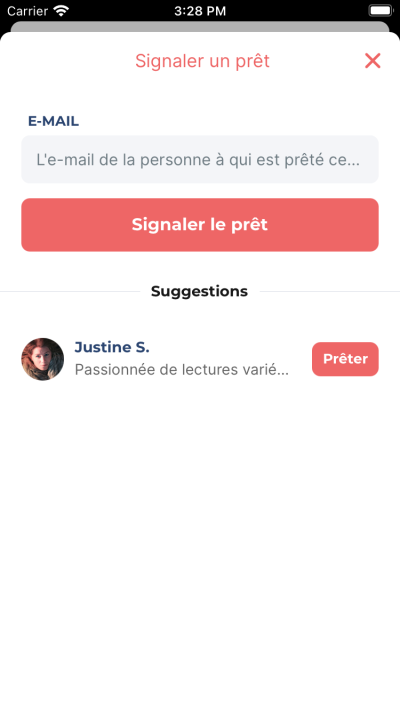
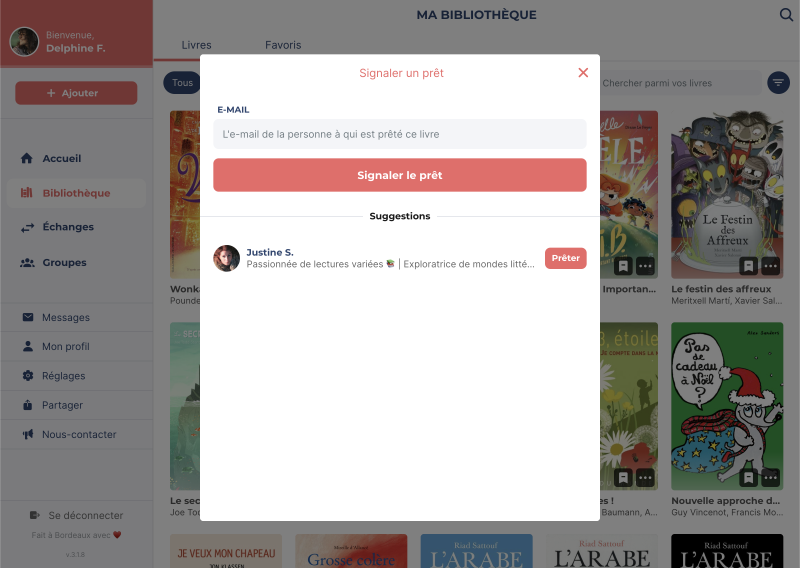
Pour prêter un livre, allez sur le livre que vous souhaitez prêter depuis l’onglet Étagères puis appuyez sur l’icône [···] et choisissez Signaler un prêt. Une fenêtre s’ouvre, choisissez une personne parmi la liste de suggestions ou bien entrez l’e-mail de la personne à qui vous avez prêté le livre.
Vous pouvez retrouver les livres que vous avez prêtés dans la section Échanges, puis depuis l'onglet Prêts. Sur chaque livre prêté, vous pouvez effectuer les actions suivantes :
- Indiquer le retour : signalez que le livre a été rendu.
- Demander le retour : envoie une notification à l'emprunteur·euse du livre.
- Contacter l'emprunteur·euse : utilisez la messagerie pour discuter.