
Send a message to group members
Created 16 days ago
Group administrators can send a message to all the members of their group, for example to announce an event or share news.
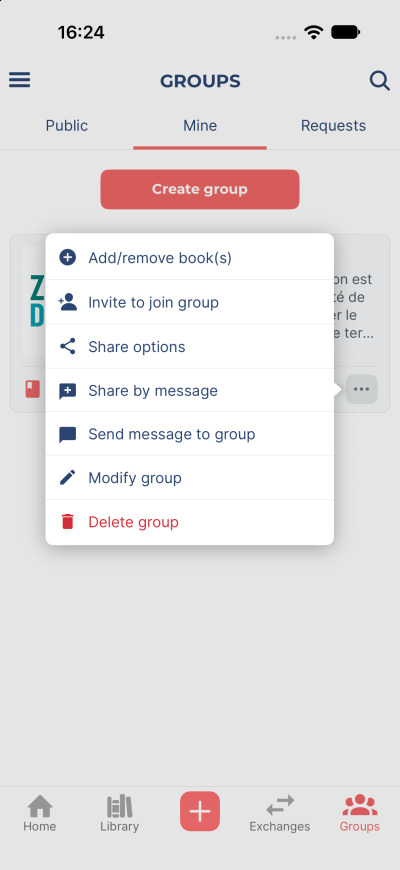
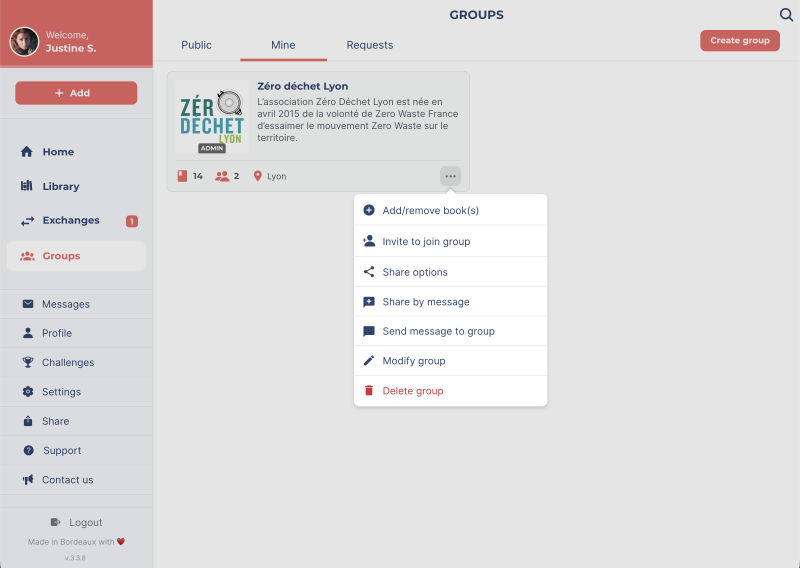
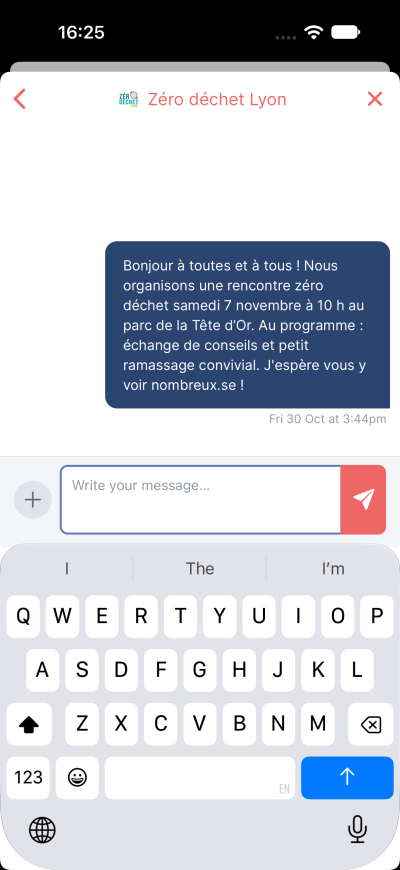
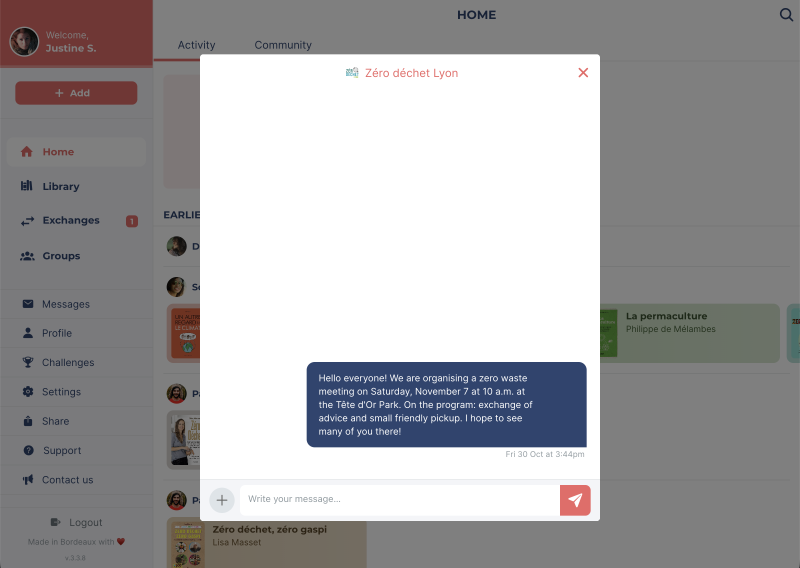
Go to the Groups tab, then the Mine tab. Tap the … menu of your group and choose Send message to group. Write your message and tap the send button.
Once a message has been sent, you can find it in the Messages section of the app, alongside your other discussions.
📝 Note: this feature requires at least version 3.3.9 of the app.