
Rejoindre un groupe
Créé il y a 6 mois
Naviguez vers l'onglet Groupes puis l'onglet Publics pour de consulter les groupes publics disponibles. Afin de chercher un groupe par mots-clés, vous pouvez utiliser la recherche globale disponible via l'icône loupe en haut à droite.
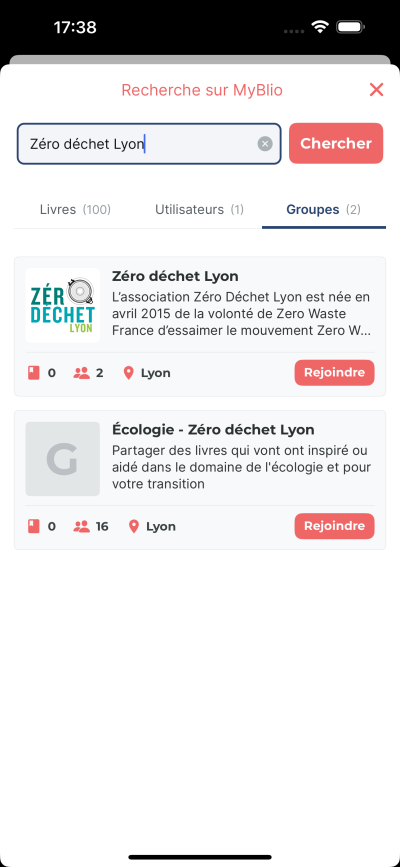
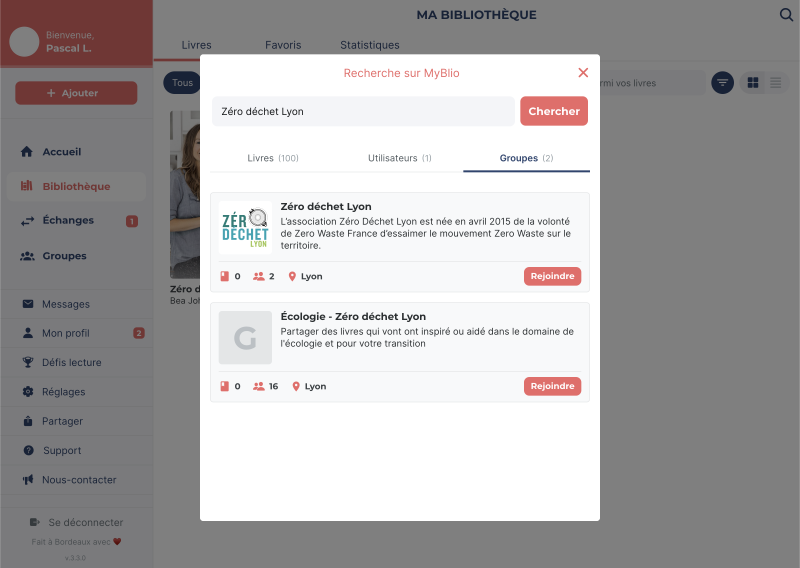
Une fois le groupe trouvé, appuyez sur le bouton Rejoindre pour envoyer une demande. L'administrateur·rice du groupe recevra une notification de votre demande et pourra l'accepter ou la refuser. Tant que votre demande n'a pas été acceptée ou refusée, vous pouvez la retrouver dans l'onglet Demandes et vous avez encore la possibilité de l'annuler.
Une fois votre demande acceptée, retrouvez vos groupes dans l'onglet Les miens. Vous pouvez maintenant partager vos livres dans les groupes dont vous faites partie et être notifié·e de leurs activités.
📝 Note : seuls les groupes publics sont visibles et trouvables par la recherche. Pour accéder à un groupe privé, vous devez être invité·e par un·e administrateur·rice ou avoir reçu un lien.