
Share a group by message
Created 16 days ago
If you are a member of a group, you can share it with another MyBlio user directly from the messaging feature.
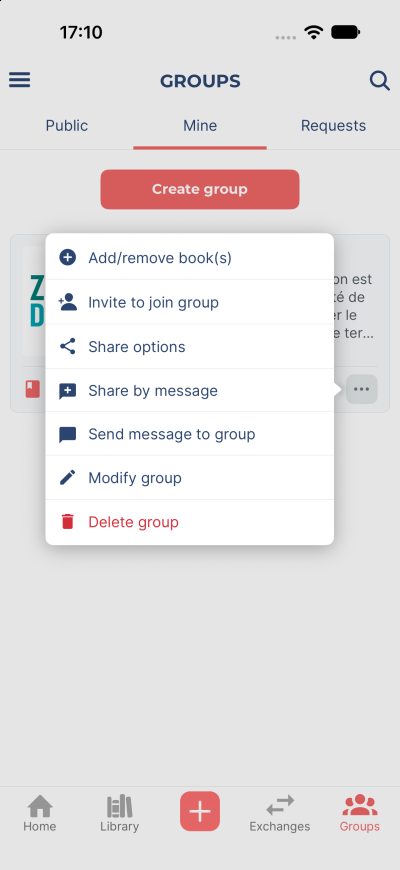
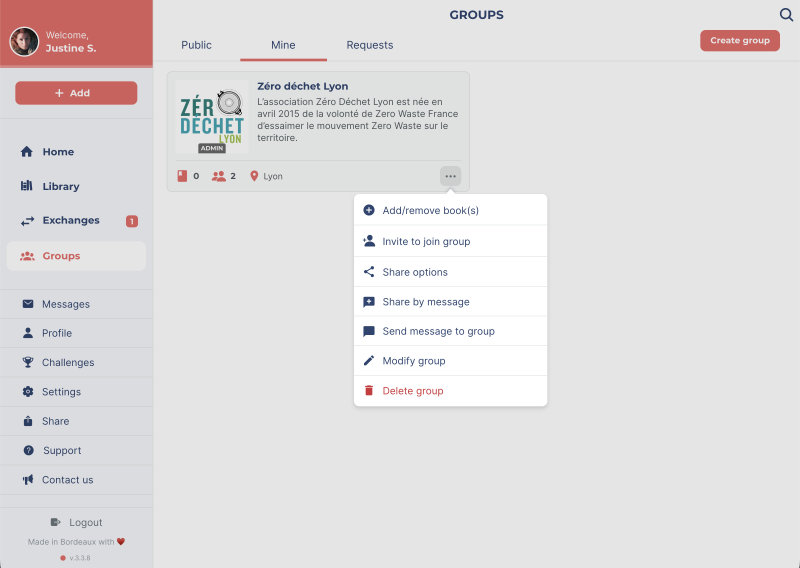
To share a group:
- Go to the Groups tab and tap the … menu of the group.
- Choose Share by message, then choose the person you want to share the group with.
- Write a message to send with the group, then tap the send button.
A preview of the group is shown in the message window. You must write a message, otherwise the group will not be shared.
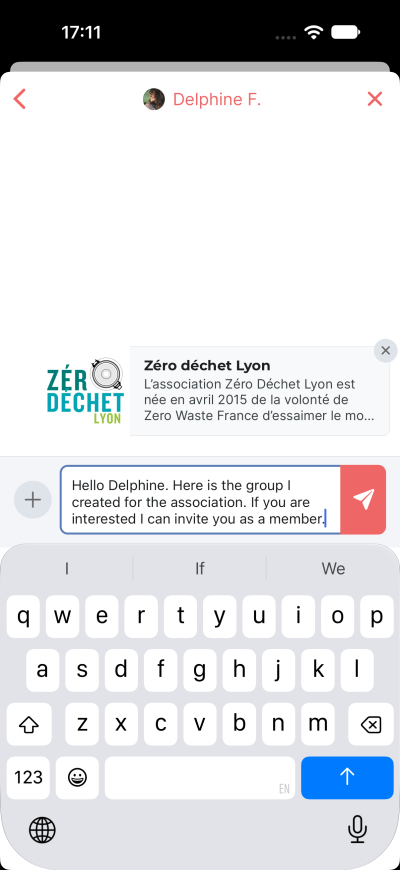
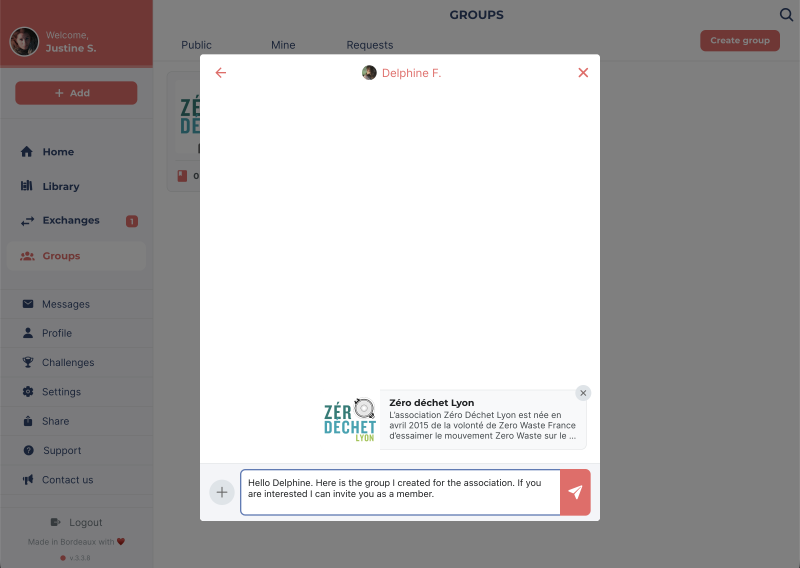
📝 Note: until the message is sent, you can remove the group from it by tapping the X in the top right-hand corner of the group preview.